How to Change Font on Instagram: The Complete Guide for Bios, Captions, Stories, Reels, and DMs
Standing out in the Instagram feed requires more than compelling photography and viral reels. With over two billion active monthly users scrolling past millions of profiles daily, your typography serves as an immediate visual hook. Using a dedicated cute font generator allows you to transform standard, generic plain text into eye-catching cursive, bold, aesthetic, and gothic styles.
Because Instagram does not feature a native font dropdown menu for profile bios, post captions, and comments, mastering custom text styling requires understanding how Unicode text encoding works. In this comprehensive 3,000+ word authority guide, you will learn the exact step-by-step methods to change fonts across every corner of Instagram safely and effectively.
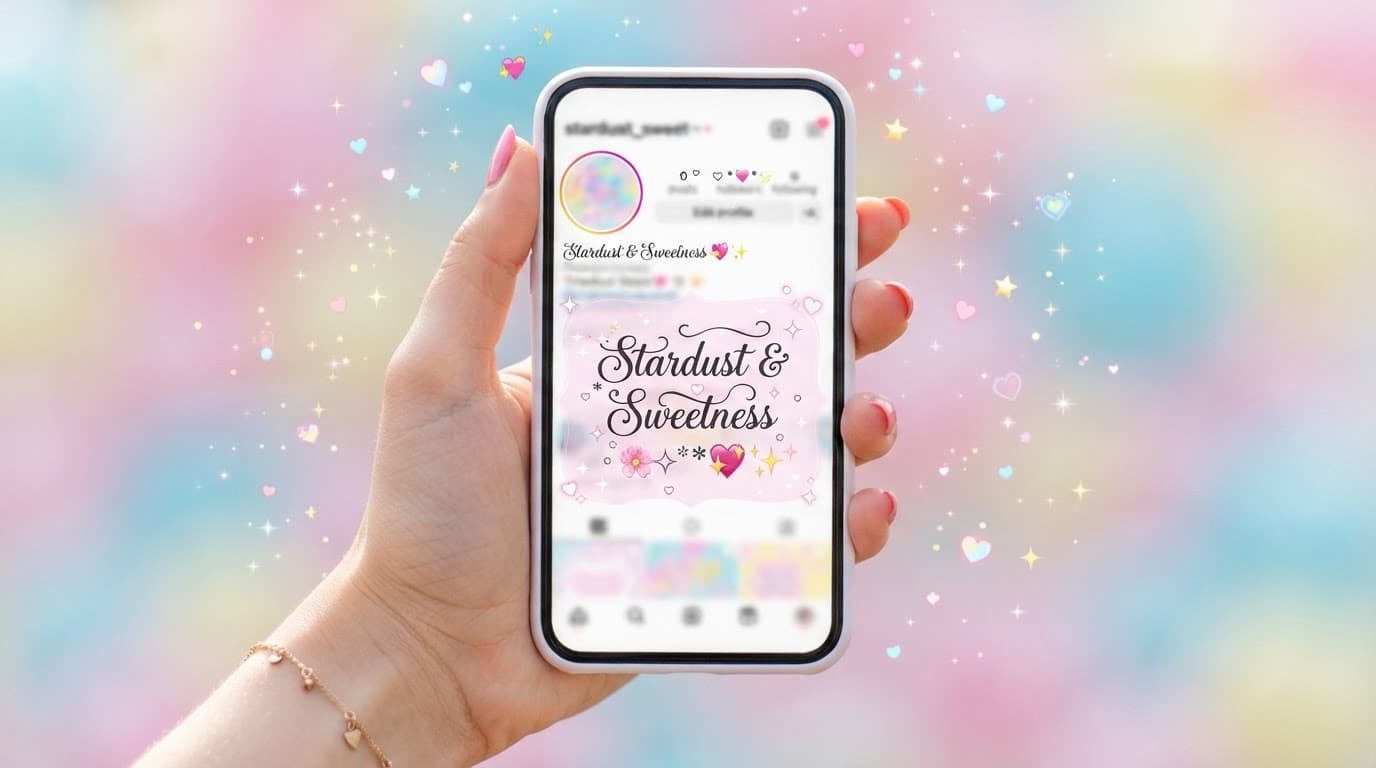
1. The Technology Behind Instagram Fonts: How Unicode Makes Custom Text Possible
When you install a custom font file (.ttf or .otf) on your laptop, the operating system renders vector curves locally. However, on web and mobile platforms like Instagram, you cannot upload proprietary font files into a comment box or bio field because other users' devices would not have the font file installed to render it.
Instead, custom Instagram fonts rely on Unicode (Universal Coded Character Set). Unicode is the international standard containing over 149,000 characters that ensures every phone, computer, and web browser interprets symbols uniformly.
Within the Unicode tables, there are dedicated planes for Mathematical Alphanumeric Symbols (hex range U+1D400 to U+1D7FF). When you enter text into a generator, it programmatically converts standard ASCII letters into corresponding mathematical glyphs:
| Style Name | Unicode Character Plane | Visual Output Sample |
|---|---|---|
| Mathematical Bold Serif | U+1D400 – U+1D433 | 𝐈𝐧𝐬𝐭𝐚𝐠𝐫𝐚𝐦 𝐁𝐨𝐥𝐝 𝐒𝐭𝐲𝐥𝐞 |
| Mathematical Script Cursive | U+1D4D0 – U+1D503 | 𝒬𝓊𝑒𝑒𝓃 𝑜𝒻 𝒜𝑒𝓈𝓉𝒽𝑒𝓉𝒾𝒸𝓈 |
| Fraktur Gothic / Blackletter | U+1D56C – U+1D59F | 𝔊𝔬𝔱𝔥𝔦𝔠 𝔈𝔡𝔦𝔱𝔬𝔯𝔦𝔞𝔩 |
| Fullwidth Monospace | U+FF01 – U+FF5E | CYBER Y2K |
| Circled / Bubble Letters | U+24B6 – U+24E9 | Ⓑⓤⓑⓑⓛⓔ Ⓣⓔⓧⓣ |
2. How to Change Your Instagram Bio Font (Step-by-Step)
Your Instagram bio is the first thing profile visitors examine. Follow these steps to style your bio without encountering truncation or character rejection errors:
- Open a Free Online Font Generator: Open your mobile browser (Safari, Chrome, or Firefox) and visit a dedicated cursive font generator tool.
- Type Your Bio Text: Enter your tagline or value proposition into the input box (e.g., "Creative Director • NYC Lifestyle & Coffee").
- Select and Copy Your Style: Scroll through the live rendered styles. Tap the Copy button next to your favorite font aesthetic to load it into your device clipboard.
- Open Instagram Profile Editor: Launch the Instagram app, tap your profile avatar in the bottom right, and tap Edit Profile.
- Paste into the Bio Field: Tap into the Bio text area, long-press, and select Paste.
- Save Changes: Tap the blue checkmark or Done in the top right corner to publish your styled bio immediately.
3. How to Change Fonts in Instagram Post Captions and Comments
Long-form Instagram captions benefit significantly from typographic hierarchy. Using bold text styles for hook headlines and key subheadings increases dwell time and comment retention.
🔥 High-Converting Caption Hierarchy Template
[HOOK HEADLINE IN BOLD UNICODE]
𝟓 𝐒𝐤𝐢𝐧𝐜𝐚𝐫𝐞 𝐌𝐢𝐬𝐭𝐚𝐤𝐞𝐬 𝐘𝐨𝐮'𝐫𝐞 𝐌𝐚𝐤𝐢𝐧𝐠 𝐄𝐯𝐞𝐫𝐲 𝐌𝐨𝐫𝐧𝐢𝐧𝐠 👇
[BODY TEXT IN CLEAN STANDARD LATIN]
Most people cleanse their face with hot water, stripping essential natural lipids. Here is the exact dermatological routine I recommend:
[SUB-POINTS IN ACCENT STYLING]
𝟭. Use lukewarm water exclusively.
𝟮. Apply hyaluronic acid to damp skin.
𝟯. Lock in hydration with ceramides.
[CALL TO ACTION TAGLINE]
👉 𝒯𝒶𝓅 𝓉𝒽𝑒 𝓁𝒾𝓃𝓀 𝒾𝓃 𝒷𝒾𝑜 𝒻𝑜𝓇 𝓉𝒽𝑒 𝒻𝓊𝓁𝓁 𝑔𝓊𝒾𝒹𝑒!
By combining bold Unicode headers with clean, readable standard body copy, your posts remain fully scannable on mobile screens while preserving search indexing and screen-reader accessibility.
4. Mastering Native Instagram Story & Reel Fonts (Secret Styles & Hacks)
Unlike bios and captions, Instagram Stories and Reels feature an integrated typography engine with 9 distinct native font options:
- Classic Sans: Neutral, ultra-clean geometric sans-serif suited for tutorials and quick text cards.
- Modern Serif: High-contrast editorial Didone style, perfect for luxury, fashion, and lifestyle aesthetics.
- Neon Script: Cursive neon glow effect that automatically pulses when animation mode is toggled.
- Typewriter Courier: Monospaced retro typewriter style featuring boxed background highlighting.
- Strong & Bold Sans: Heavy impact font ideal for high-urgency callouts, discounts, and breaking updates.
- Comic & Bubbly: Casual hand-drawn style suited for behind-the-scenes moments and lighthearted memes.
Pro Story Tip: You can paste external Unicode characters directly into any Story text block to combine native story animations with custom gothic or cursive symbols! For comprehensive visual branding tips, review our guide on Instagram profile aesthetics.
5. Common Instagram Font Pitfalls & How to Avoid Them
1. The Invisible Character & Space Glitch
Certain font generators inject zero-width spaces or non-breaking ASCII codes that cause Instagram's spam filter to reject text changes. If your bio refuses to save, paste your styled text into Apple Notes or Google Keep first, re-copy it, and paste it into Instagram.
2. Search Keyword Invisibility
Instagram's Explore algorithm searches the Name field under Edit Profile. If you type your profession in mathematical script (e.g., 𝒫𝒽𝑜𝓉𝑜𝑔𝓇𝒶𝓅𝒽𝑒𝓇), users searching "Photographer" will not find your account. Keep primary keywords in plain letters.
3. Screen Reader Incompatibility (WCAG Guidelines)
Assistive software like VoiceOver and TalkBack reads mathematical alphanumeric characters as individual equations (e.g., "Mathematical Bold Capital P"). Avoid writing critical contact emails, phone numbers, or links in custom fonts.
Frequently Asked Questions
Why doesn't Instagram have a built-in font menu for bios and captions? ▼
Instagram relies on standard system font rendering (San Francisco on iOS and Roboto on Android) to ensure fast data loading, global language compatibility, and clean visual consistency across millions of devices. Custom text styling is achieved through Unicode mathematical alphanumeric symbols.
Will using fancy fonts in my Instagram bio hurt my profile search ranking? ▼
If you replace primary search keywords in your Name field with heavily stylized Unicode text, Instagram's search algorithm may fail to index your profile. Keep your Name field in plain text with keywords (e.g., 'Jessica | NYC Travel Blogger') and use cute fonts in your bio description lines.
Why do some followers see question marks or blank boxes in my Instagram text? ▼
This happens when followers use older smartphones or operating system versions that lack font glyph tables for newly released Unicode symbol blocks. Sticking to widely supported styles like Bold, Italic, Small Caps, and Circled text avoids this issue.
Can screen readers read fancy fonts on Instagram? ▼
Screen readers interpret Unicode styled characters as separate mathematical symbols rather than normal English words, which can create accessibility barriers. Always keep vital contact information, addresses, and important announcements in plain text.
How do I get hidden secret fonts in Instagram Stories? ▼
You can unlock hidden story aesthetics by typing specific keywords into the built-in story font picker, pasting styled Unicode text directly onto story text layers, or designing story graphics in Canva with full OpenType typography before posting.